AI Code assistant experience comparison (golang-kata-1)

If you’re reading this, and thinking about trying an IDE integrated coding agent, or thinking about switching, maybe stick around, have a read and watch some of the videos. There is at least 6 hours worth of experience wrapped up in this 20 minuite read!

I’m watching a thread on the GitHub community forums, where people are discussing how GitHub Copilot has potentially gone slightly downhill. And in some ways I agree, so I through I’d spend a little bit more time looking at the alternatives, and how they behave.

This post tries to compare 9 different setups, and will primarily look at the differences in presentation within the VS Code IDE that each of these different coding assistants have. How the default user interactions work, and how the tasks are broken down and presented to the user, and generally what the user experience is like between these different assistants.

I’ll try to flag up some other useful information along the way, such as time comparisons, amount of human interaction needed, and overall satisfaction with what the thing is doing, and if this all presents itself nicely in this post, I might find myself writing more in the future…

However, I will not be looking at cost, setup, resource usage or what’s happening with my data along the way…

Assistant, LLM combinations

AssistantModelMain tasks @Tests @Second app @
Github CopilotGPT 4o~ 5:00~ 24:45~ 32
Github CopilotGPT 4.1~ 15:00~ 17:40~ 35
Github CopilotClaude Sonnet 4~ 17:00 (inc tests)~ 17:00~ 28
Gemini Code AssistantGemini Something ?~ 11:20~ 14:30~ 25
AmazonQClaude Sonnet 4~ 7:20~ 15:50~ 28
RoocodeGPT 4.1 (via Github Copilot)~ 5:30~ 10:00~ 18
RoocodeClaude Sonnet 4 (via Anthropic)~ 15:30~ 20:00~ 37
Claude CodeClaude Sonnet 4~ 9:30~ 17:40~ 24
Claude CodeClaude Opus 4~ 10:00N/AN/A

I have setup this post, and the code problem in such a way that I should be able to easily add more combinations and comparisons in the future, and directly compare the performance back to this post. Ideally, at some stage I’d try some other models via Ollama, and also some other pay per requests LLM APIs…

Read more

Toit: jag monitor proxy

While developing on ESP32 boards at Lightbug on some of our newer products, I have repeatedly wanted to run Toit and Jaguar without WiFi enabled during a development setting. Either to have WiFi off to keep power consumption lower, turn off the default network so that I can make use of a secondary network or set up my own hotspot, and most recently, so that I can quickly iterate while using ESP-NOW.

Many months ago @floitsch told me about the --proxy option for the jag monitor command in Discord, and I finally have gotten around to trying it out this week. Here is how it went…

Using –proxy

The --proxy argument exists on the jag monitor command, which is essentially a slightly fancy serial / COM port monitor.

Adding this argument will attempt to proxy the device to the local network via your computer, rather than via the ESPs own WiFi. As a result, you can turn the WiFi off!

~ jag monitor --help
Monitor the serial output of an ESP32

Usage:
  jag monitor [flags]

Flags:
  -a, --attach            attach to the serial output without rebooting it
      --baud uint         the baud rate for serial monitoring (default 115200)
      --envelope string   name or path of the firmware envelope
  -l, --force-plain       force output to use plain ASCII text
  -r, --force-pretty      force output to use terminal graphics
  -h, --help              help for monitor
  -p, --port string       port to monitor (default "/dev/ttyUSB0")
      --proxy             proxy the connected device to the local network
Code language: Shell Session (shell)

Read more

WikiCrowd for 2025

I wrote the first version of WikiCrowd back in 2022 and haven’t really iterated on it much since, beyond adding the odd new set of image categories, and removing features that I decided were not optimum.

At the 2025 Wikimedia Hackathon however, WikiCrowd came up as both an entertaining little game to show people during beers, and also a project similar (ish) to something Daanvr was working on (I think it was Suggestion-Engine-Commons-prototype ?)

Upgrades

During the hackathon, and in the weeks following, WikiCrowd went through quite a number of changes

  • The YAML config files for the pre-calculated depicts statements are now on Commons for all to edit
  • Generation of the questions has been spruced up to stop it breaking as it gets deeper into category trees
  • Generation can now be triggered in the UI, as can deleting pending questions
  • The old one by one image mode was removed, and instead replaced by a grid mode
  • More categories and depict options were added
  • A custom grid view was added, allowing users to specify their own category and or Wikidata item
  • Ability to zoom in on an image being displayed
  • Addition of “levels” of questions
  • Display of Wikidata labels and descriptions in the UI (Making use of the new REST API)

Read more

Wikibase ecosystem in Q1 2025, according to wikibase.world

I wrote a post in February 2025 looking at what the Wikibase ecosystem (might) look like, according to the data that had at that point been collected on wikibase.world. Now that data has had some time to evolve and expand, we can take a little look at how it has changed throughout the last 2 months.

In the future, I’ll try to remember to write something up every quarter or so (for now), until someone else feels like taking this over ;)

The latest notebooks for generating this are in git, and the latest XML file dumped from wikibase.world is on archive.org.

Site count and status

We have gone from tracking 777 sites, up to 873, so an increase of nearly 100 in 2 months.

However, we need to look at the tracked status to determine how big the current ecosystem actually might be. So I added a little extra counting to the notebook previously used to count the wikis based on P13 (availability status).

Back in Feb, there were 774 online, and only 3 marked as offline. This was primarily as Addbot was not often marking sites as offline, however I added automatic detection of deleted sites for wikibase.cloud and went through and checked a bunch of sites that the scripts were failing to lookup.

Looking at the April data, we have ~847 online, and ~26 offline, so an increase of around 3%.

Graph

Most of the growth in sites seems to come from wikibase.cloud, however many sites on wikibase.cloud are test sites and may not have much content.

So when displaying the graph this time, I’ll filter out everything that doesn’t have a highest Item ID of at least 25, this roughly cuts the size of the graph in half.

Read more

Profiling Wikibase APIs and import speed

There has been some recent chat once again on the Wikibase telegram groups around importing, and the best approach to import a large amount of data into a Wikibase instance. 2 years ago I started a little GitHub project aimed at profiling the speed of loading using the action API, and various settings, DB versions etc, as well as trying out a bulk load API. And I have just taken the opportunity to take another look at it and try to visualize some of the comparisons given changes through the last 2 years.

In case you don’t want to read and follow everything below, the key takeaways are:

  • EPS (edits per second) of around 150 are achievable on a single laptop
  • When testing imports, you really need to test at least 50k items to get some good figures
  • The 2 ID generation related settings are VERY IMPORTANT if you want to maximise import times
  • Make async requests, but not too many, likely tuned to the number of CPUs you have serving web requests. You wan near 100% utilization
  • A batch API, such as FrozenMink/batchingestionextension would dramaticly increase import times

Some napkin math benchmarks for smallish items, I would hope:

  • 1 million items, 2 hours (validated)
  • 10 million items, 1 day
  • Wikidata (116 million) items, 14 day+

Read more

The day Google (almost) lost my timeline data…

On the morning of 22nd March 2025 I received and read an email from Google giving me an “update” on my “Google Maps Timeline”, little did I know this was actually telling me they had just lost some of my data…

The email read…

We briefly experienced a technical issue that caused the deletion of Timeline data for some people. We’re reaching out as your account may have been impacted.
If you have encrypted backups enabled, you may be able to restore your data. Make sure that you have the latest version of Google Maps, then go to your Timeline. Tap the cloud icon near the top of your screen, and choose a backup to import your data. If you did not have backups turned on, unfortunately you will not be able to recover lost data.
We understand that this can be frustrating if you use Timeline to remember places that you’ve visited, and we are taking steps to improve our systems for the future.

I have heard of Google loosing data before (drive files and or photos disappearing and such), or making it inaccessible for people, and so far I’m glad to not have been affected, and have never really dived into these cases before to see if it has happened.

However, it was easy to see in a matter of minutes that ~10 years of location data was indeed gone from my phone… With data only showing from the 6th or 7th of March.

Read more

Splitting a Terraform / Spacelift stack in 2

A year or so ago, I imported a bunch of existing AWS resources into a Spacelift stack using Terraform. Parts of this stack included provisioning Github actions secrets from AWS into Github itself. Due to the way the Github provider and Github API work, I was starting to hit into rate limits due to my ever-increasing number of secrets.

Rather than do anything fancy with additional authentications with the Github API, or higher limits or refactorings within the stack, I opted to split the stack out into the more manageable and focused stacks, which I had already started with my latest deployment which had a stack all to itself.

Unfortunately, there is no “super easy” way to do this. I was dreaming of clicking a button and being able to drag and drop configuration and or state between the various stacks, that would be dreamy. But instead I had to code up some simple scripts to help me migrate the state locally.

High level process

First:

Read more

Vuetify app with Wikimedia OAuth login

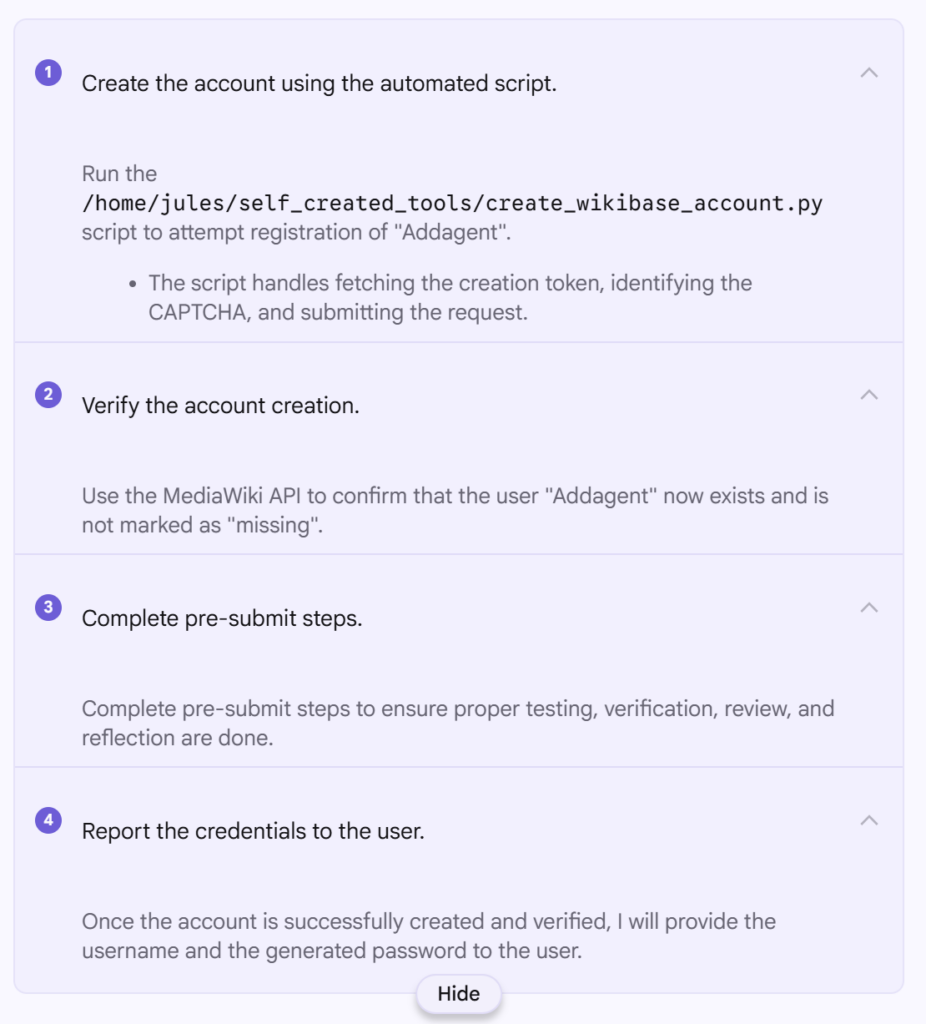
Do you often find yourself wanting to make a basic (or complex) web app that is client side only and will log users into Wikimedia sites with ease? Me to!

I have been trying this every year or so, and it’s gradually been getting easier. This year it only took me a couple of to get a really nice template web app setup using Vue, Vuetify and a OAuth 2.0 Wikimedia consumer (thanks to the OAuth extension).

Firstly, some links that you’ll find useful:

Starting off with a default Vuetify app install using vite (commit c3edb0f), you’ll end up with a basic web page that just says welcome to Vuetify. You can copy the code in my commit, or just follow the Vuetify instructions.

Read more

Visualizing Wikibase ecosystem, using wikibase.world

This entry is part 2 of 3 in the series Wikibase ecosystem

In October last year, I wrote a post starting to visualize the connections between Wikibases in the ecosystem that had been found and collected on wikibase.world thanks to my bot that I occasionally run. That post made use of the query service visualizations, and in this post I’ll take the visualizations a step further, making use of IPython notebooks and plotly.

Previously I reported the total number of Wikibases tracked in wikibase.world being around 784, with around 755 being active (however I didn’t write down exactly how I determined this). So I’m going to take another stab at that with some code backing up the determinations, rather than just my late night data ramblings.

All of the data shown in this post is generated from the IPython notebook available on Github, on 16 Feb 2025, based on the data on wikibase.world which is maintained as a best effort system.

General numbers

MetricValue
Wikibases with properties777
Wikibases with properties, and more than 10 pages600
Wikibases with properties, and more than 10 pages, and 1 or more active users264
Wikibases with properties, and more than 10 pages, and 2 or more active users129
Wikibases that link to other wikibases194
Wikibases that only link to non Wikimedia Foundation wikibases5
Wikibases that link to other wikibases, excluding Wikimedia Foundation35

A few things of note:

  • “with properties” is used, as a clear indicator that Wikibase is not only installed, but also used in at least a very basic way. (ie, it has a created Wikibase property). I would use the number of items ideally as a measure here, however as far as I can tell, this is hard to figure out?)
  • “with more than 10 pages” is my baseline measure of the site having some content, however this applies across all namespaces, so can also be wikitext pages…
  • “active users” are taken from MediaWiki statistics, and apply across all namespaces. These numbers also rely on MediaWiki being correctly maintained and these numbers actually being updated. (Users who have performed an action in the last 30 days)
  • “link to other wikibases” are links extracted from sites by Addbot either via external links or specific properties that state they are links to other wikibases. (The code is not pretty, but gives us an initial view)

And summarized in words:

  • 264 Wikibases with some content that have been edited in the past 30 days
  • 194 Wikibases link in some way to other Wikibases
    • Excluding links to Wikidata and Commons, this number comes down to 35 (So Wikidata is very much the centre)

And of course, take all of this with a pinch of salt, these numbers are an initial stab at trying to have an overview of the ecosystem.

An updated web

My October post included some basic visualizations from the query service of wikibase.world.

However, it’s time to get a little more fancy and interactive. (As well as showing all wikibases, not just the linked ones)

Read more

mwcli (a MediaWiki focused command line tool targeting developers) over the years

mcwli includes the third of so generation of “developer environments” that I have made for MediaWiki over the years. You can see the backstory in this earlier post.

Since the early days of 2022, there has been optional metric collection included within the mwcli tool.

This metric collection simply collects what command you run, and when you run it (without any parameters or inputs) so that the data can be aggregated, and the various commands usage can be graphed.

Each command run includes something like:

Commanddocker mediawiki exec
DateTime2025-01-07T12:45:18.213Z
Version0.25.1

I used to have live (ish) graphs in the Wikimedia Superset installation, however, the queries there appear to fail now. So I took some time to export the dataset as a CSV, and shove it around a bit in a Python notebook.

Read more