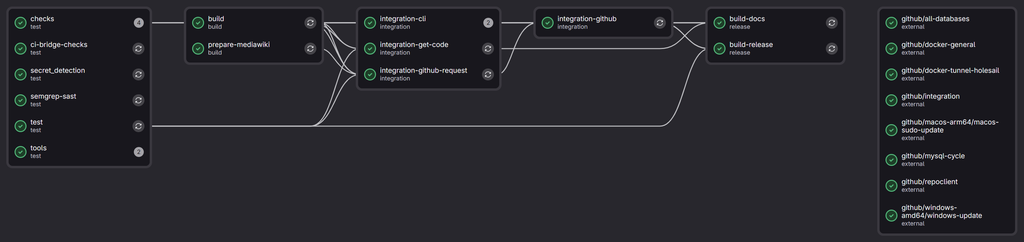
I want to spend some more time developing a-wikimedia-cli (previosuly called mwcli), expanding what it can do, and adding integration tests for more of its functionality along the way. Having tests is useful, but having to wait for them every time you change something makes that slightly less appealing. Especially when your development system seems to be intense bursts of work and branches on the odd evening, or odd weekend, and not much development the rest of the time.
Some of the more involved tests create MediaWiki environments, start databases, install things, turn them off, turn them back on again and check that the CLI has done what it was supposed to. These have been running using Docker-in-Docker (or dind for short) on Wikimedia Cloud VPS machines for some time now, alongside the other checks and builds managed by Wikimedia GitLab. However the are only 2 small workers in the pool for the Docker-in-Docker tests, which are limited to 4 simultaneous jobs due to CPU and RAM constraints. not to mention it’s a waste leaving them on most of the time…
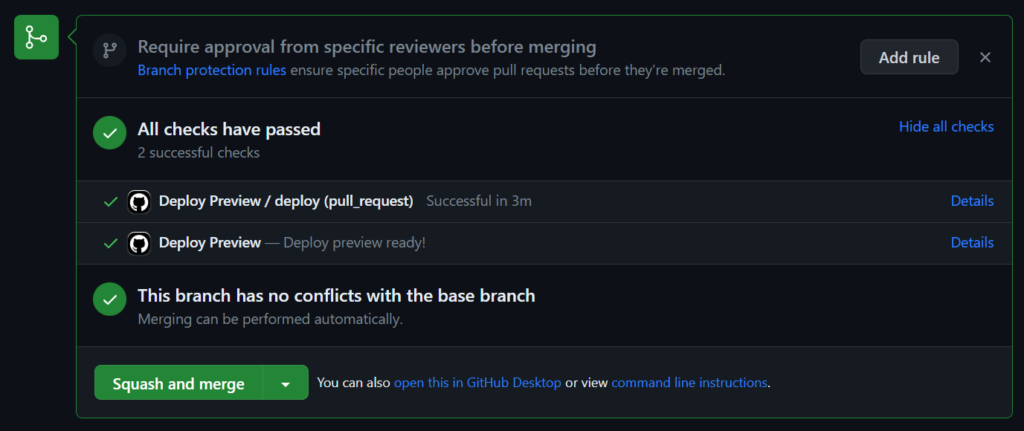
Meanwhile, the project also has a repository on GitHub which is mirrored to from GitLab, where GitHub Actions has machines quite capable of running these tests.
I have thought about moving entirely over to GitHub to solve this problem before, and have spun up forks there with CI before to make sure integration style tests pass before promoting them into branches in GitLab. However I never made a complete move. I have also dabbled with doing cross repo CI before for this setup, however it often ended in a disappointing mess.
However, maybe this time it will work *wink wink*…