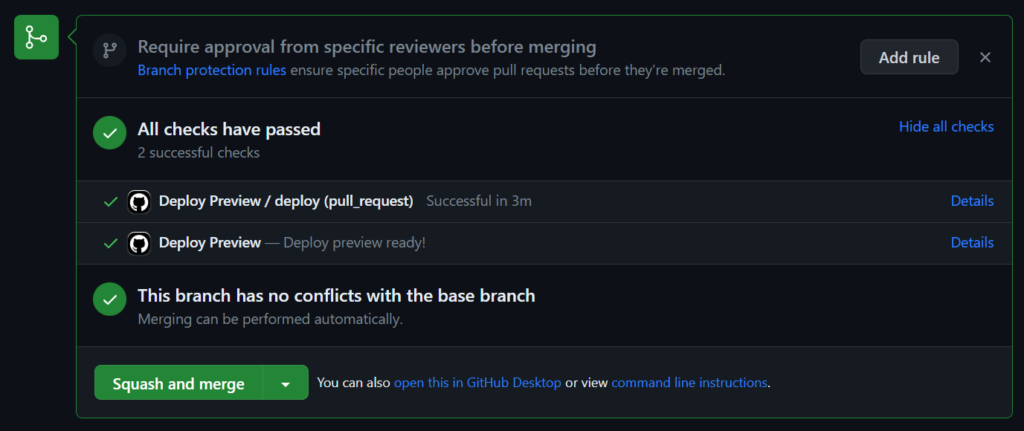
As a developer, one of the most critical aspects of your workflow is the ability to test and preview your code changes before deploying them to production. This is where developer previews come in.
This post will outline how to create your own simple developer preview system, using Github Actions for building, AWS S3 for hosting, and Terraform to provision it all. Giving you more control, and a lower cost.
Shout out to Pedro Brandão from Significa whose post I read as inspiration for this setup.
What are Developer Previews?
Developer previews, also known as feature branches or pull request previews, allow developers to create isolated environments to test their changes without impacting the main production environment. It enables teams to collaborate, review, and validate code before merging it into the main branch. With developer previews, you can catch bugs, validate new features, and gather feedback early in the development process, ensuring a smoother deployment to production.
Existing services
Many dedicated platforms exist that offer developer preview as a service. These platforms provide a streamlined solution for creating and managing isolated environments for testing code changes. Examples of such services include Netlify’s Deploy Previews, Vercel’s Preview Deployments, and Heroku Review Apps. These platforms integrate seamlessly with popular version control systems and automatically deploy feature branches or pull requests, allowing developers to easily preview their changes. By leveraging these dev-preview services, developers can simplify the process of creating and managing preview environments, enabling faster iteration and effective collaboration within development teams.
However, all these services have a cost, which will always be higher than the do-it-yourself approach.
I recently had to upload a large (1TB) file from a Wikimedia server into a Google Cloud Storage bucket. gsutil was not available to me, but s3cmd was. So here is a little how to post for uploading to a Google Cloud Storage bucket using the S3 API and s3cmd.
S3cmd is a free command line tool and client for uploading, retrieving and managing data in Amazon S3 and other cloud storage service providers that use the S3 protocol, such as Google Cloud Storage or DreamHost DreamObjects.