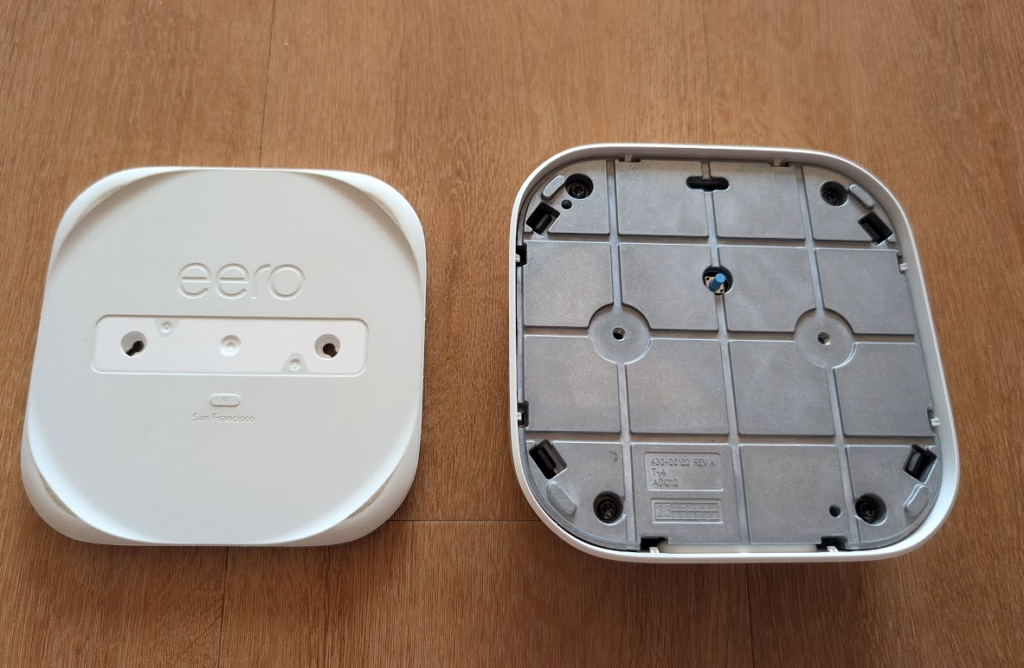
I bought a set of 3 eero Pro 6 mesh (Wi-Fi 6) routers back at the end of 2023, and the first one of them died in the last few weeks. Trying to power the device via USBC no longer does anything, and eero support didn’t have much to try other than the reset button and a new power adapter. So I figured I would take it apart and have a look inside just incase it was something super obvious (it was not). So here is a little overview of what’s inside an Eero Pro 6, and how to get in!
Teardown
Before starting, I found this Reddit post which shown an image of a screw on a different eero device, hidden under the label, and that was the same on the eero Pro 6, except the label revealed 2 screws.
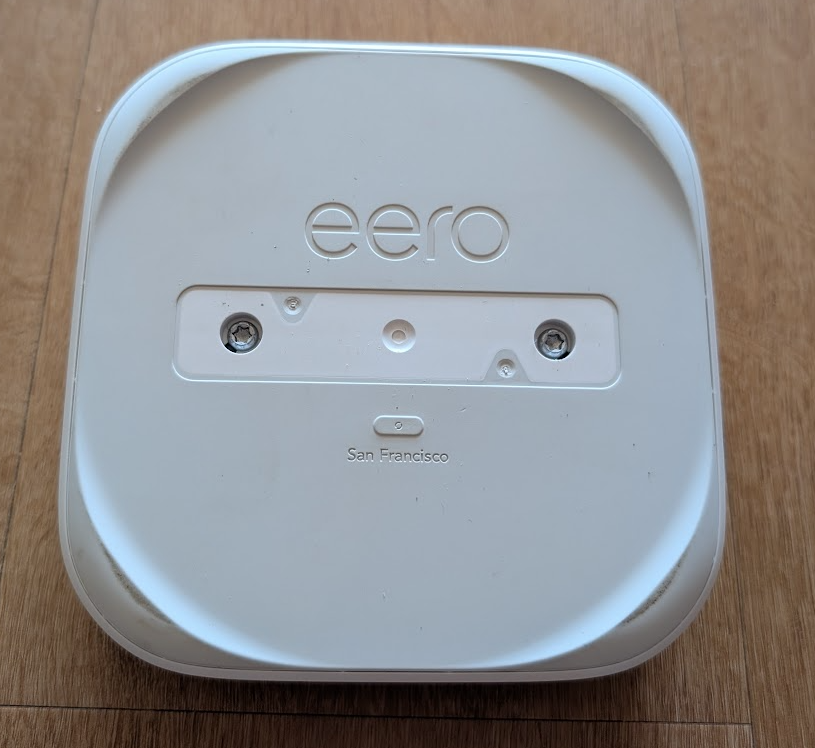
These were 2x size 20 torx bits, and were very easy to undo, and with a little prying around the edge with a plastic pry tool, I managed to pop the bottom plate off.
This bottom plate revealed the real button, but also 4 black plastic clips, and 4 more torx screws, this time size 15.