I’ve been a Spotify user for a long time, and like a lot of people I have Google Timeline enabled on my phone, quietly logging where I’ve been over the years. And at some point earlier this year I downloaded my Spotify listen data, and it occurred to me that Spotify plays + location information could be an interesting thing to look at… Do I listen to the same stuff at work as I do at home? What about when I’m in other countries? The hypothesis was that my listening habits might vary quite a bit by location, and I wanted a way to actually see that rather than just wonder about it.
So after some data squishing, location guessing, and UI magic, I now have a basic app that loads this data (browser only), allows you to draw some geofences around certain areas, and then look at your Spotify listening data based on that.
The core concept is pretty simple. Spotify lets you export your full streaming history, which is a JSON file full of play events with timestamps. Google Takeout gives you your location history, also a JSON file with timestamped location points. If you line those up by timestamp, you can figure out where you were when each song played.
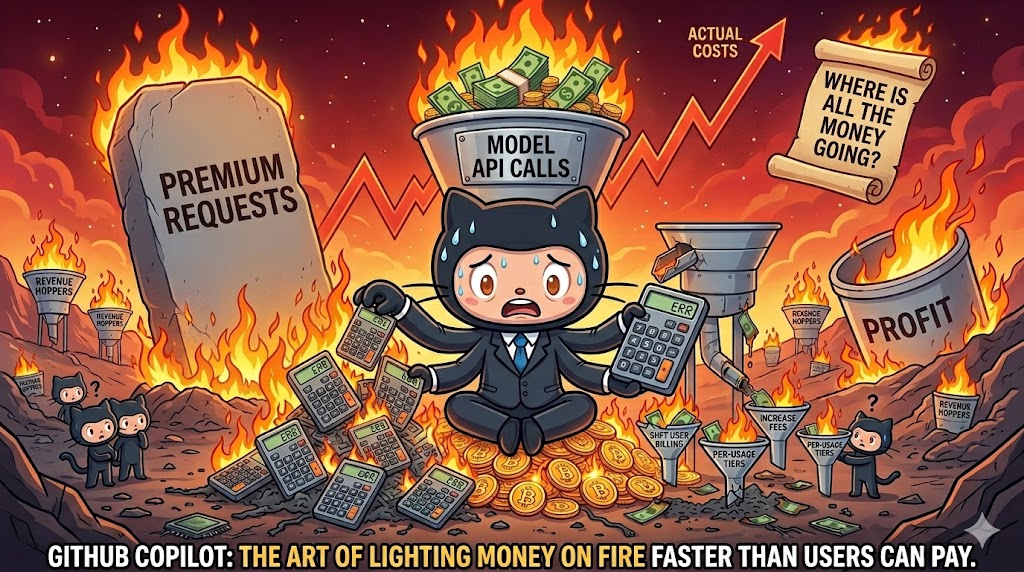
In my last post I took a look at my usage breakdown month by month, showing steady growth, and also shifts between the various models. All of that was mostly within the 10 USD per month plan (though this past month I have shifted to the 39 USD per month plan due to the new session and weekly token limits that people are complaining about online a fair bit (I haven’t actually seen a hint of these on the 39 USD per month plan)
However, next month this 39 USD is going to shoot up! And probably for good reason, as it looks like they might have been loosing a billion+ a month in recent months? (More on that below)
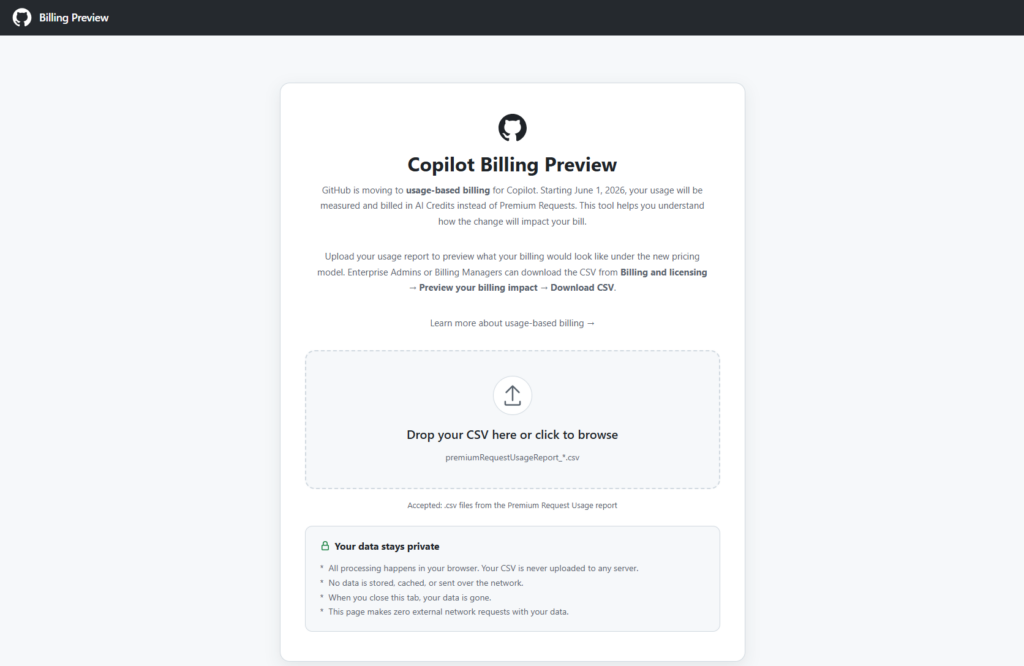
The tool is browser based, and just requires you to drop in a CSV file from the Premium request analytics of your account (which now has some additional fields). It then shows you various visualizations in the browser and extracts useful data from the more verbose report, including specifically some comparisons between your previous cost, and apparent future cost with AI credits instead.
Month comparisons
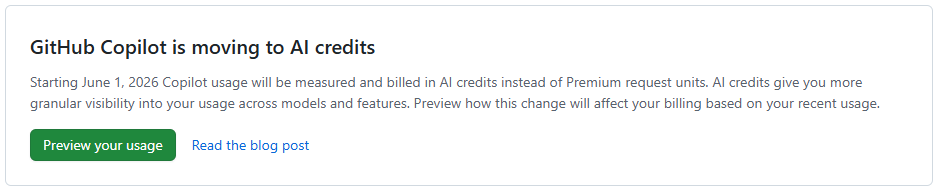
I went back and downloaded all of my new premium request usage report data for this year throughout which I slowly progressed from around 300 PRU per months (premium requests used) toward and past 600 PRU per month (largely due to the cloud agent usage increase. And in summary, this is what the difference between PRU based billing and AICS (AI Credit) billing looks like for me.
With local AI agents increasingly writing and executing code autonomously, giving them unrestricted access to your machine is becoming a massive security risk. This is one of the primary reasons that agentic flows have so many flavors of approval that may need to happen throughout an agents course of action, though others include review points and being able to keep the agent on track.
I have been very much enjoying my increased use of GitHub Cloud Agents in my work and play, which is rather powerful if you can setup your entire stack (more or less accurately) in a remote environment using VMs and containers. On the project that I currently work the most I have a copilot-setup-steps.yaml file or 53 lines leveraging my existing docker compose based development environment setup of 41 services that only takes 2 minutes to “install” (multi repo clones, and dependency installation), then allowing agent to run various different development configurations depending on the tasks at hand, using a mixture of the services (or not).
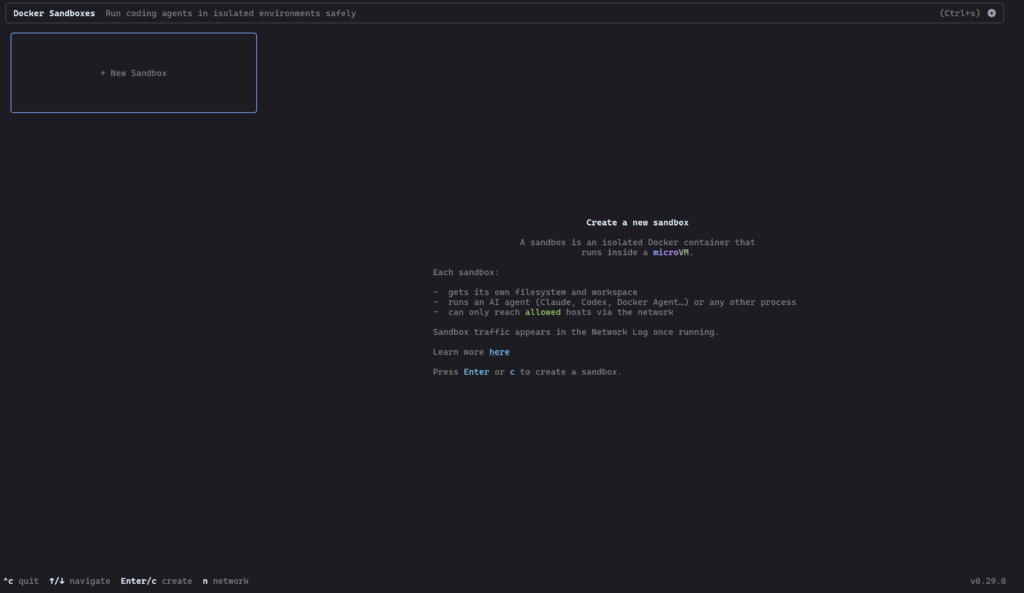
However today is the first day I’ll be taking a very brief look at Docker AI Sandboxes, to try and do more of this locally and or on machines nearby…
I recently decided to run an experiment on wikibase.world: what happens when you give an AI agent the keys to a live MediaWiki instance and ask it to do some targetting gardening, including edits to Wikibase?
Meet the Jules free tier, though i’m sure you could use any agent. Over the course of a few hours, I tasked Jules with editing wikibase.world, moving from simple API edits, querying SPARQL, browsing external websites, and even learning how to properly participate in MediaWiki talk pages, requesting for me to edit its knowledge / prompt on a protected wiki page.
Onboarding and Basic API Usage
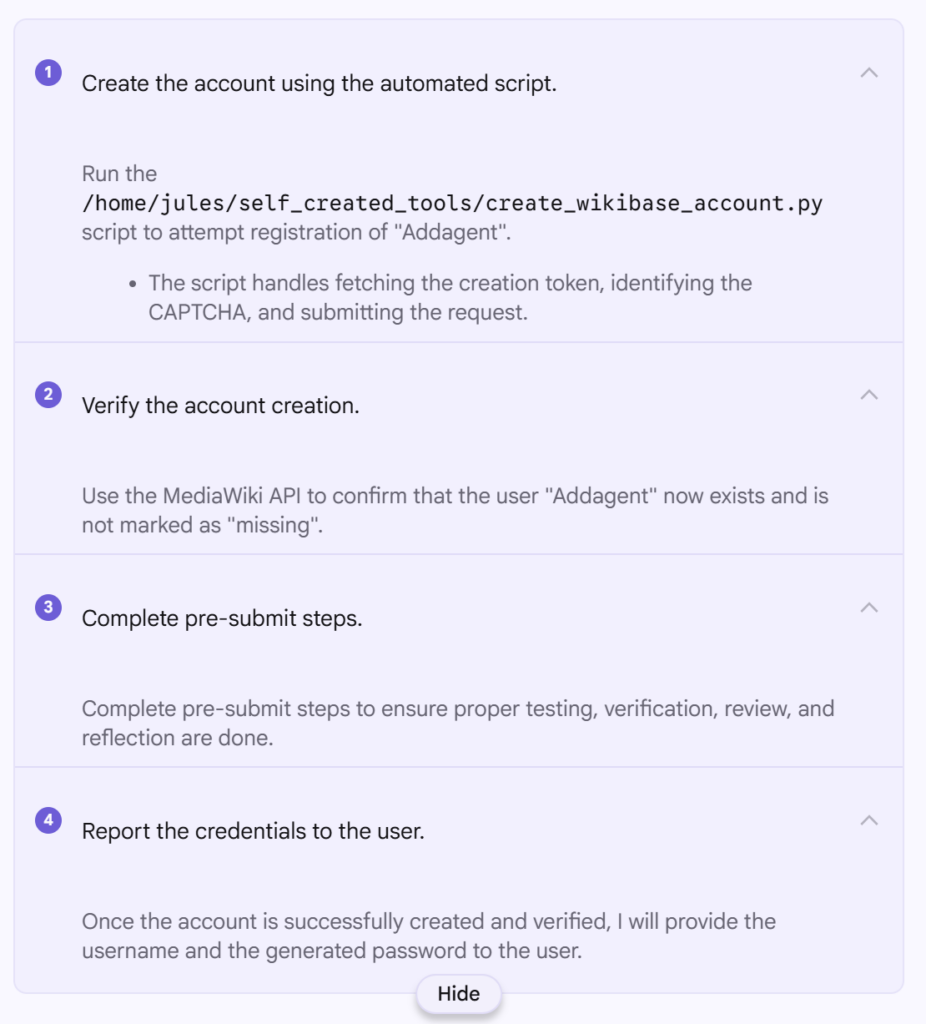
Before Jules could do anything, it needed an account. I asked it to register itself as “Addagent” using the MediaWiki API and handle the CAPTCHA and token requirements.
It went ahead and did this first time, and now https://wikibase.world/wiki/User:Addagent exists. To create the account it seemingly used https://www.guerrillamail.com/ which I have since changed to an actual email address I control incase I need to reset the account password (which I also noted down).
One thing of note while using Jules, is that it really is optimized for coding, and it continually reports that it is “Running code review…” between steps, even though there is no code repo and nowhere to commit code to and no real code in this project either, and it continually referred to “pre-submit steps” even though there is not going to be any code submission.
It looks like Python was used by the agent to perform the account creation, and that script included completing whatever CPATCHA it was served as part of the wikibase.cloud hosting.
The screenshot to the right shows the various steps completed by the agent, as it broke down the task to be completed.